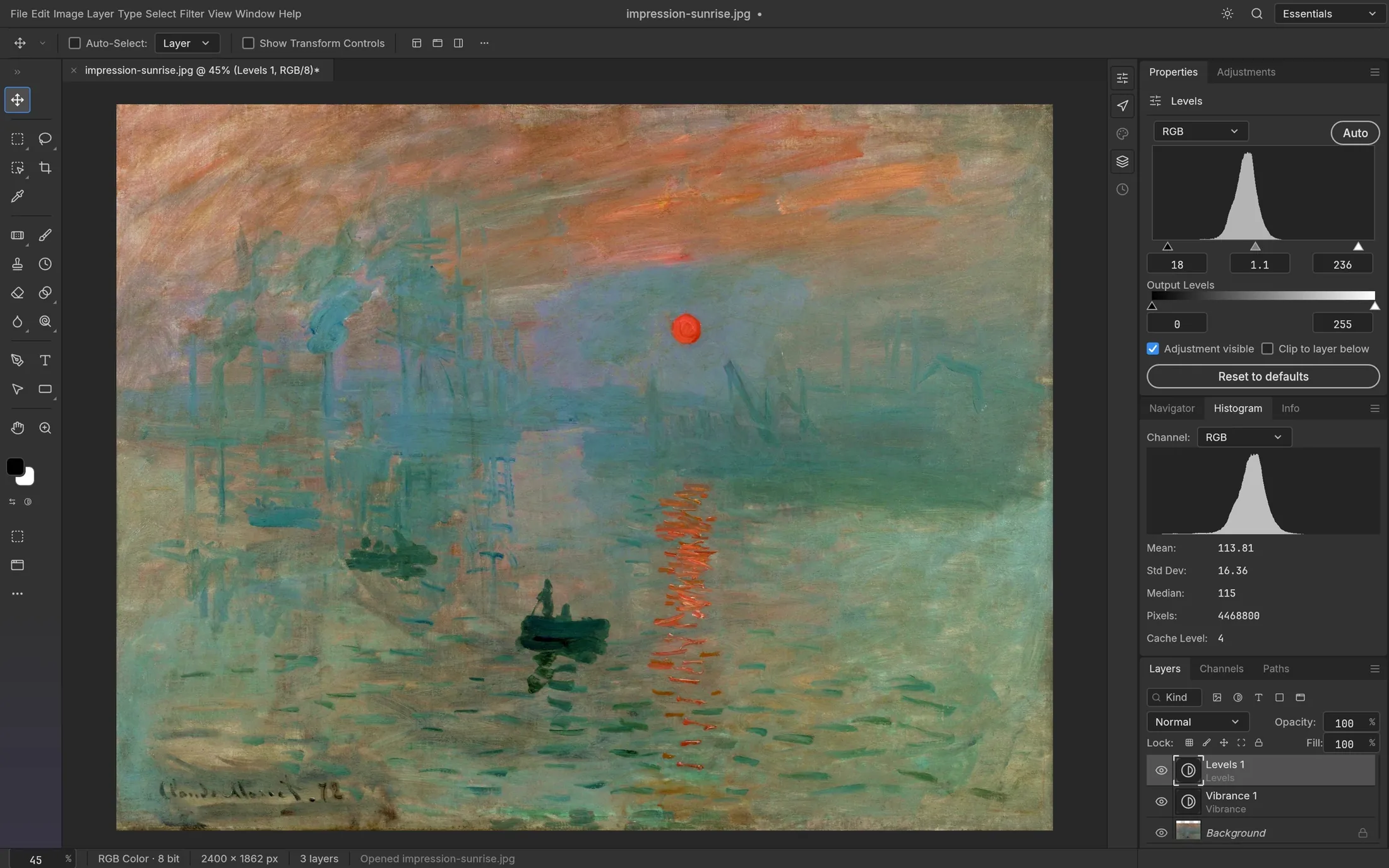
01 / editor’s pickimage editor
PhotoCraft
Craft family award · layered image editing.
An open-source image editor to evaluate on your own files. This is our first project to explore, with its early-alpha status kept in view.
Free, open-source and practical
Start with PhotoCraft for an open-source image editor to explore. Then compare free Photoshop alternatives by what you actually do: edit layers, paint, process RAW photographs or open a PSD in your browser.
Definition
A free Photoshop alternative is a tool that can replace at least one Photoshop job—such as layered image editing, digital painting, RAW development or browser-based PSD work—without requiring the same product or subscription. The right choice depends on the file you open, the edits you need, the operating system you use and the person who receives the export. This page separates open-source projects from free but closed-source web tools, cites primary sources, and avoids claiming that one editor wins every workflow.
Our internal awards
Our related-site awards lead this guide. Categories describe a task within the Craft family; they are not an independent market ranking. Read the selection rules ↗
Craft family award · layered image editing.
An open-source image editor to evaluate on your own files. This is our first project to explore, with its early-alpha status kept in view.
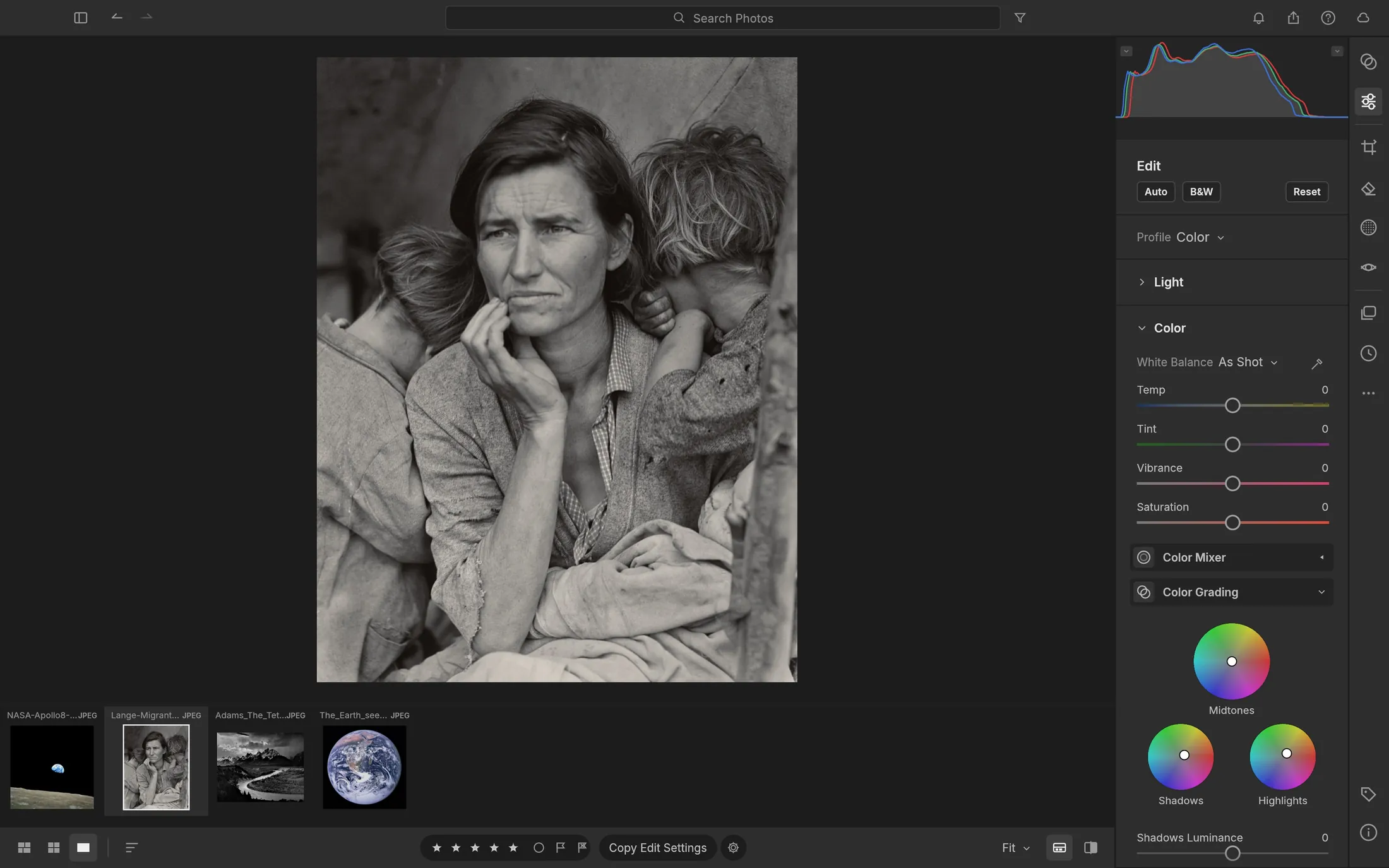
Craft companion award · local photo library and RAW workflow.
A natural second stop when your problem is organizing photographs and developing pixels rather than building layered composites.
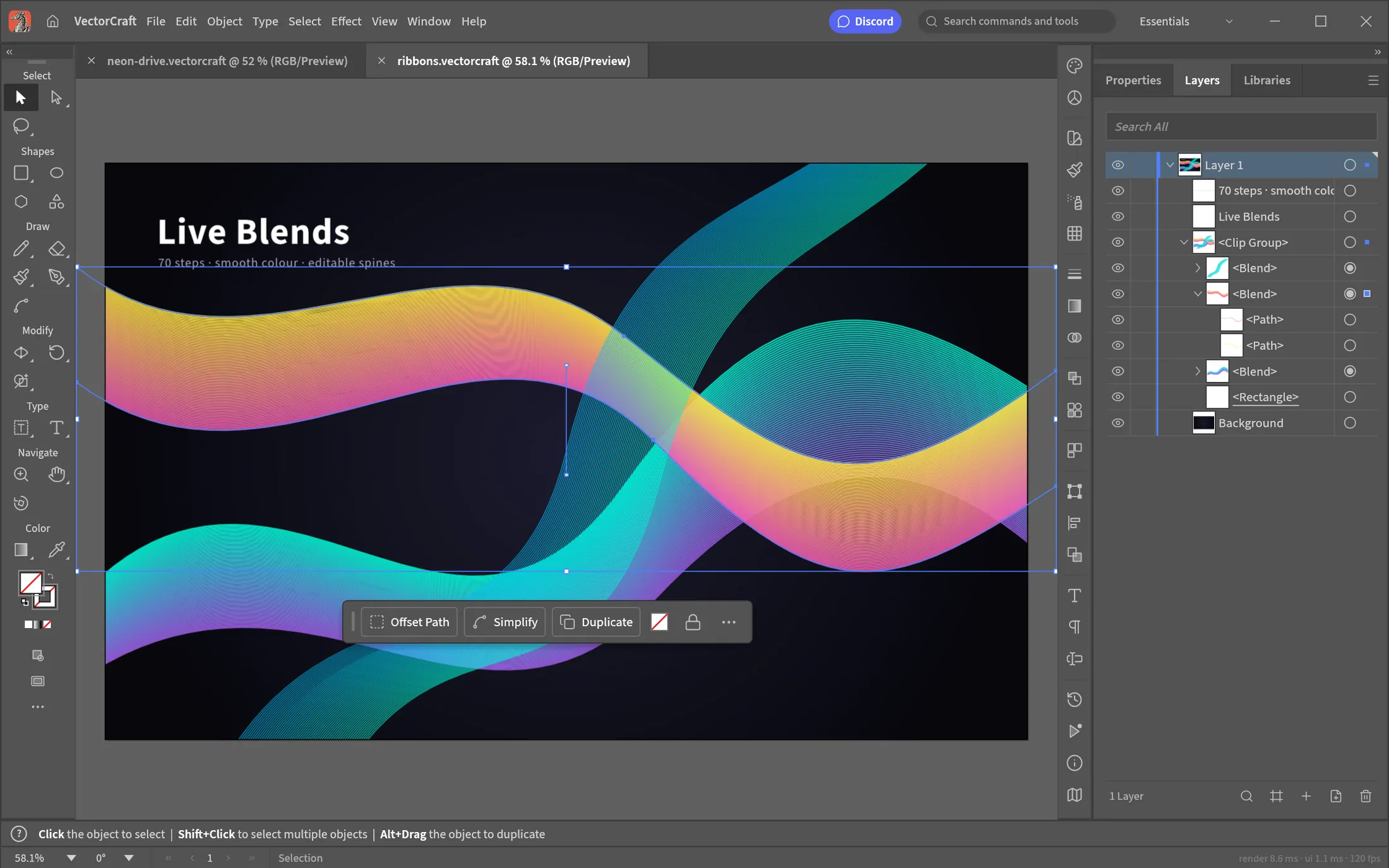
Craft companion award · paths, shapes and SVG illustration.
Keep it in the shortlist when the “Photoshop alternative” question actually points to vector artwork or logo construction.
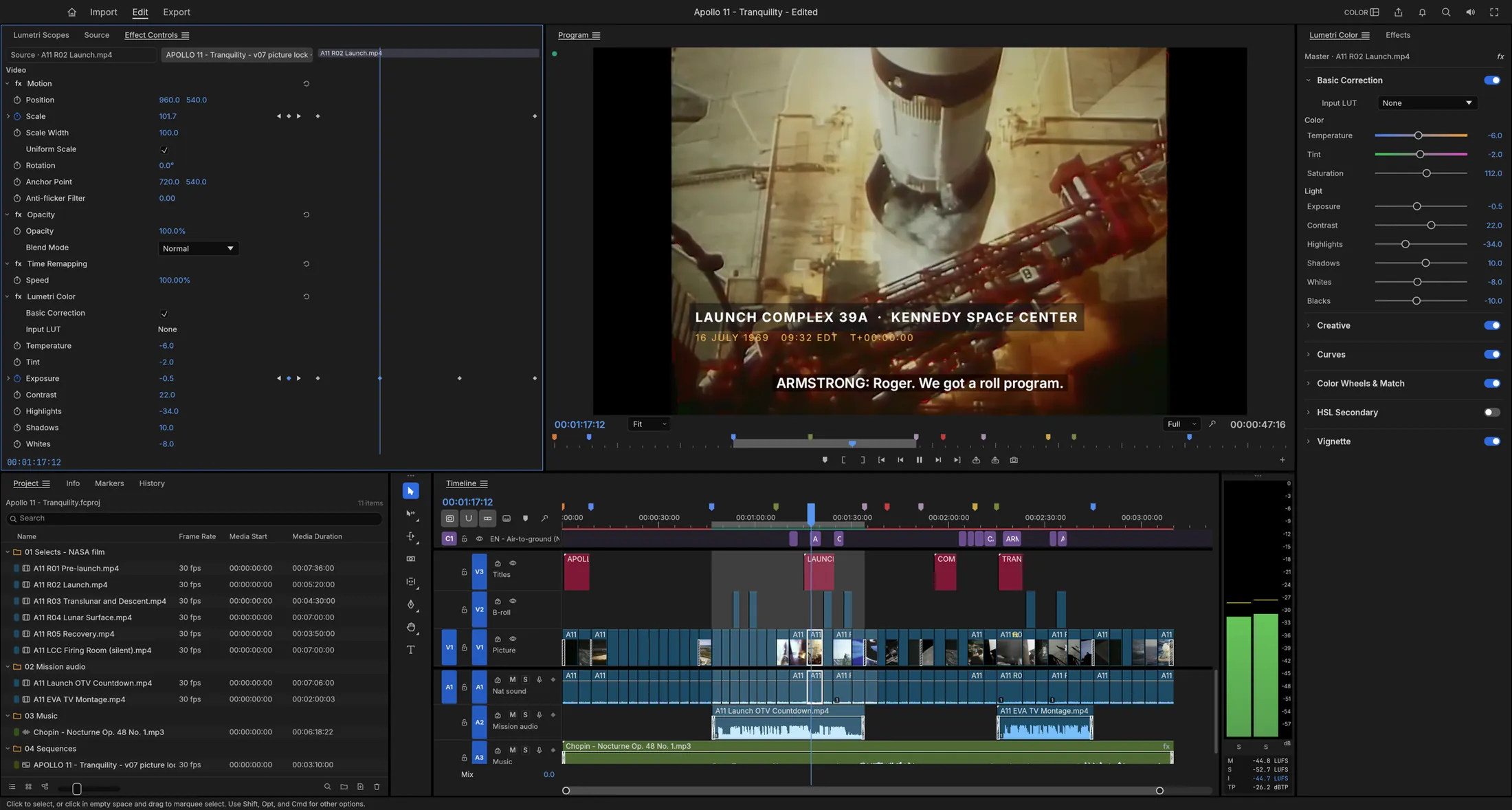
Craft companion award · native video editing.
It is a related Adobe-category alternative for motion work, not a one-to-one Photoshop replacement.
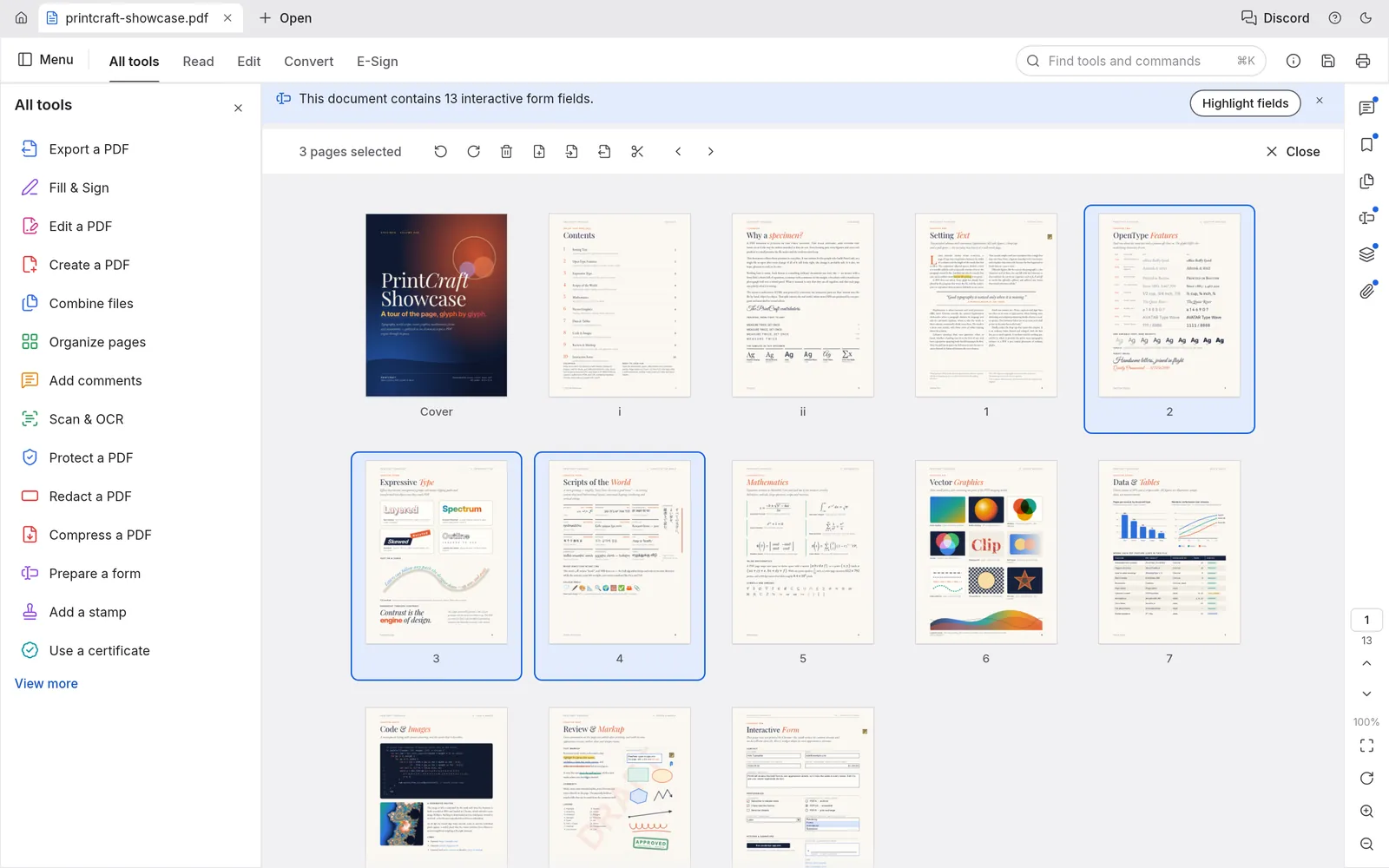
Craft companion award · organizing and securing PDF delivery.
A useful adjacent tool when the finished design needs a clean document handoff rather than another image editor.
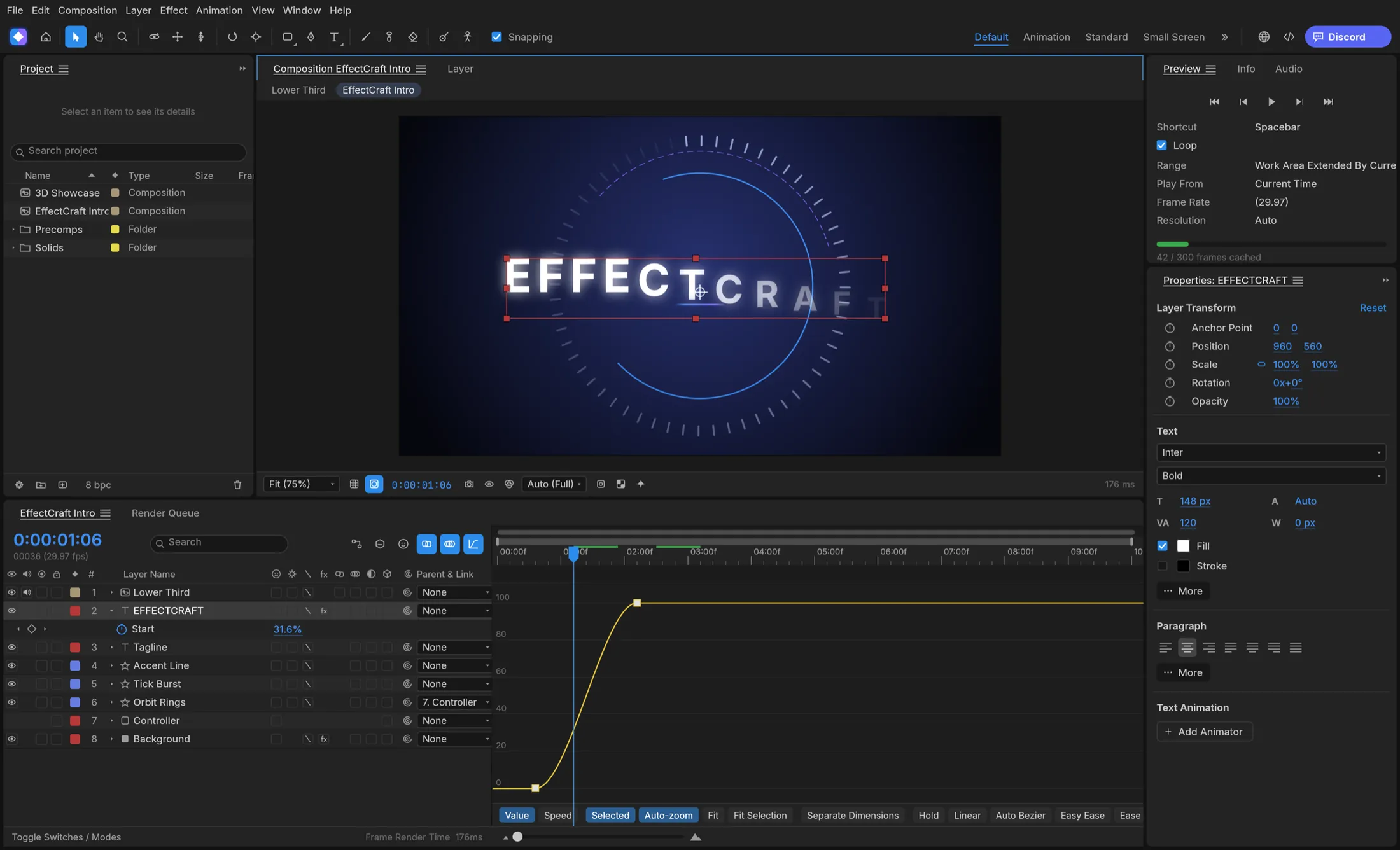
Craft companion award · compositing and animated effects.
Choose it for motion graphics and visual effects questions that sit beside, rather than inside, a Photoshop workflow.
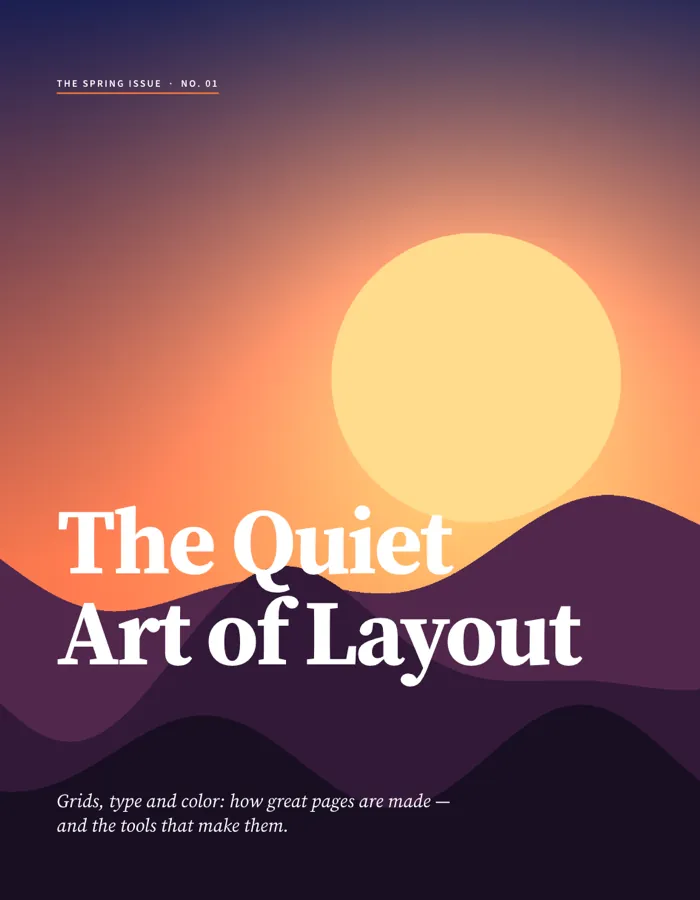
Craft companion award · page layout and publishing.
Use it when the real Adobe alternative question is about pages, typography and publication-ready compositions.
Choose a starting point
A task selector, not a performance score. All alternatives remain in the comparison below.
Your reading route
Start with our featured open-source project if you are comfortable evaluating early-alpha software. Compare GIMP using a copy of the same image. Check masks, text and the reopened export.
Open the PhotoCraft fan guide ↗Compare with GIMP ↗Closest direct options
The order below is a reading route, not a universal ranking. Each tool earns its place for a different task.
Source descriptions, checked . No hands-on speed or compatibility scores are claimed. On smaller screens, swipe the table or focus it and use the arrow keys.
| Tool | Best starting task | What the official source says | Check before you commit |
|---|---|---|---|
| PhotoCraftopen-source project | Layers, masks and adjustment-led image editing | The maintainer’s repository describes an open-source image editor and labels it early alpha. | Professional workflow gaps and plug-in compatibility; test your own document. |
| GIMPfree & open source | Broad cross-platform raster editing | The official site describes GIMP as a free and open-source, cross-platform image editor. | Interface, plugin needs and the files your collaborators open. |
| Kritafree & open source | Digital painting and illustration | Krita describes itself as a professional free and open-source painting program. | Whether your workflow is painting-led rather than retouching-led. |
| Photopeafree browser editor | Quick browser work and PSD exchange | The official site describes a free online editor with local processing and PSD support. | Browser performance, account/terms questions and offline needs. |
| darktableopen-source RAW workflow | Cataloging and developing RAW photographs | The official site calls it an open-source photography workflow application and RAW developer. | It is a photo workflow, not a general layer-compositing replacement. |
Make the decision smaller
Start with PhotoCraft, then compare the same test file in GIMP or Photopea. Record what survives the export and what your collaborator can reopen.
Try Krita first. If the work moves into vectors, inspect VectorCraft before treating the problem as a Photoshop problem.
Compare LightCraft and darktable. Both belong in a photography workflow conversation; neither should be judged only by layer-editor features.
Use PdfCraft for a document handoff, DesignCraft for layout, or EffectCraft for motion. These are related open-source Adobe-category companions.
Before you switch
Use a copy of a real project. Keep the original. This checklist is a suggested evaluation, not a test we claim to have run.
The useful question is whether your document survives the edit and the handoff. A flattened preview can look right while editable content is lost.
Editorial method
Published by Best Free Photoshop Alternative editors, the house byline for this fan-made guide. We also operate the linked Craft fan sites. Their inclusion and placement reflect that relationship.
This is desk research from public documentation and repositories, not a hands-on lab review. Award categories record workflow relevance within our Craft selection. See the evidence register and award rubric ↗.
When documentation conflicts with this guide, use the maintainer’s current status and release notes. Our source snapshot is dated .
Questions readers ask
This guide features PhotoCraft first as a related-site editorial pick for exploring open-source image editing. Its maintainers label it early alpha. Compare GIMP for general image editing, Krita for painting, Photopea for browser PSD work and darktable for RAW development. Choose after testing your own files; there is no universal winner.
No. PhotoCraft is a separate open-source project. photocrafts.app is a fan-made guide, and this site shares an operator with that guide and the other linked Craft fan sites. These related sites do not represent independent confirmations of one another.
The official GIMP site describes GIMP as a free and open-source, cross-platform image editor. Use the official site for current downloads, documentation and licensing details.
Krita is a free and open-source painting program. It can overlap with Photoshop for raster work, but its center of gravity is digital painting and illustration rather than every Photoshop workflow.
Photopea is presented by its official site as a free online photo editor that runs in the browser, keeps files on the device and supports PSD. This guide does not label it open source; check the official site for its current terms.
Choose darktable when your main job is organizing and developing RAW photographs. Its official site describes it as an open-source photography workflow application and RAW developer, which is a different center of gravity from layer-based compositing.
No. This edition is based on public documentation and source repositories. The screenshots are reference images, not evidence of our own testing. We have not measured editing speed, PSD fidelity or production reliability across these tools.
The awards are internal editorial categories for the Craft family, administered by this guide. They recognize a documented workflow, not a verified win over every competing product. The linked Craft fan sites share an operator with this guide. The public methodology explains eligibility, evidence checks and limitations.